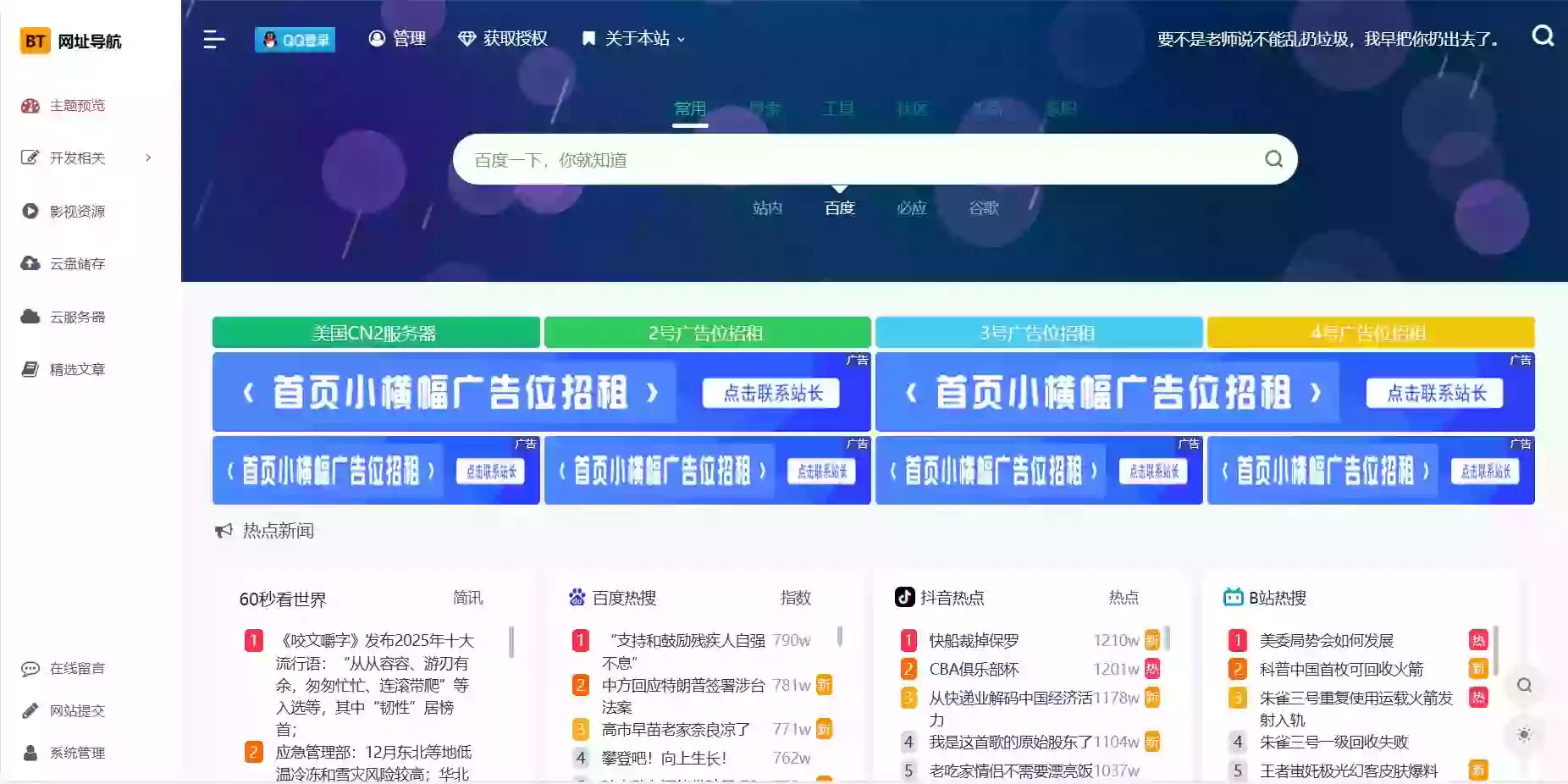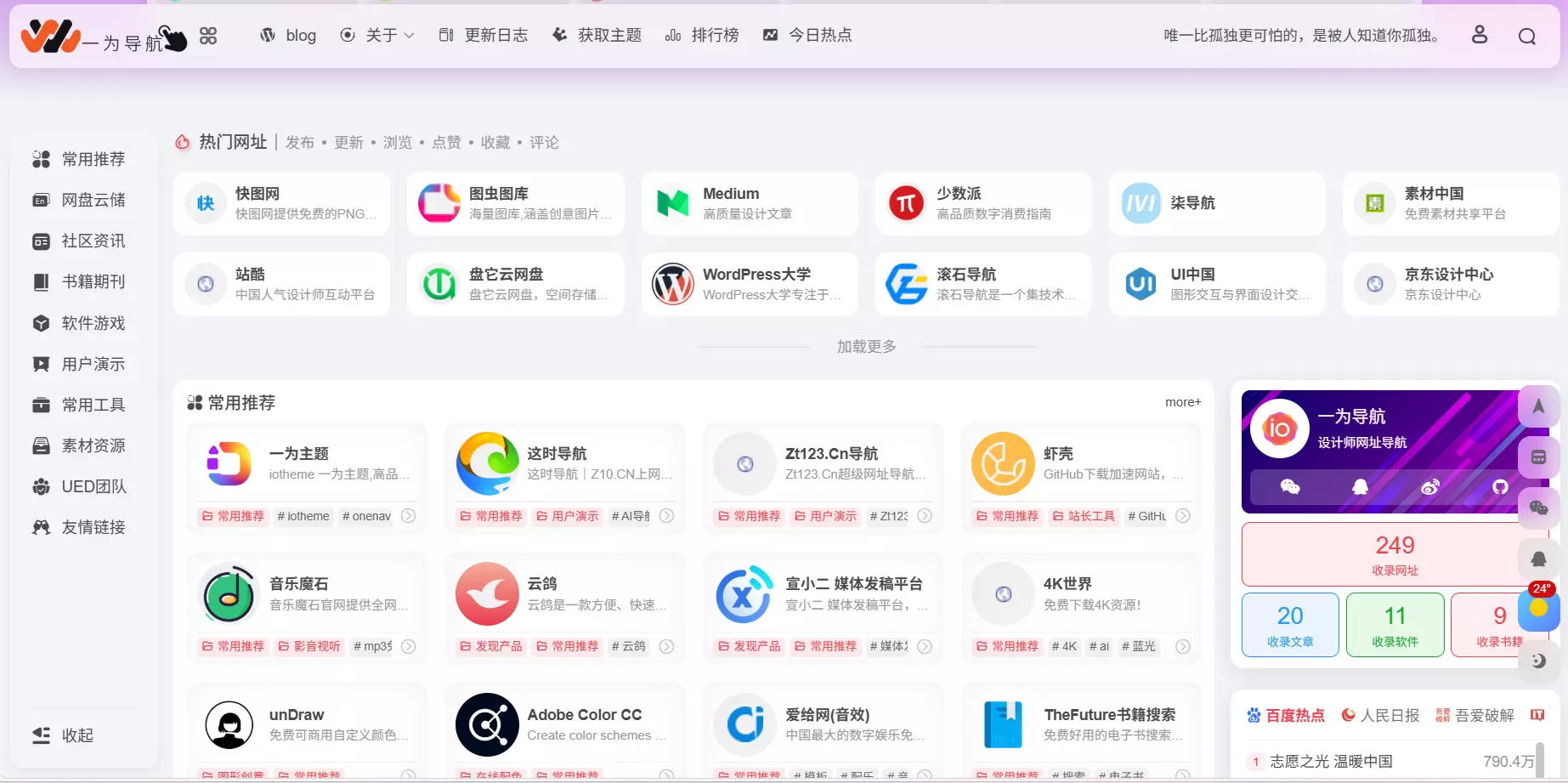

Nav导航 - 发现导航是一个纯静态、轻量级、集成SEO优化、支持在线编辑的开源免费的网站网址导航系统。

系统部署
gh-pages (免费)
1、右上角点击 Fork 当前项目。
2、https://github.com/settings/tokens/new 申请 token, 勾选读写权限, 复制并保存 Token。
3、打开 https://github.com/你的用户名/nav/actions 检查是否已开启 action 自动部署
4、修改项目根目录配置文件 nav.config.yaml 只需要修改仓库地址 gitRepoUrl 字段
5、打开 https://你的用户名.github.io/nav 就能看到一个非常强大的导航网站了。
如果打开 404,请打开 https://github.com/你的用户名/nav/settings/pages 检查分支是否是 gh-pages。
Netlify 推荐(免费)
打包路径 dist/browser
https://www.netlify.com/
Vercel 推荐(免费)
https://github.com/apps/vercel
Cloudflare pages 推荐(免费)
https://www.cloudflare.com/zh-cn
配置说明
只需要修改根目录 nav.config.yaml 以下相关字段
Fork 自有部署 字段 说明
√ gitRepoUrl 填写您的仓库地址
√ branch 部署分支
√ imageRepoUrl 图片仓库, 默认主仓库 https://github.com/xjh22222228/image?branch=main
√ √ hashMode 路由是否 Hash 模式, 如果是部署在 github pages 务必设为 true
√ √ email 用户提交收录通知
√ password 自有部署登录密码,Fork 用户无需填写
√ address 自有部署, 一旦填写认为你是自有部署
√ mailConfig 自有部署,用户收录通知邮箱配置
系统后台
将路由地址修改为 system 即可进入,如: https://www.nav3.cn 修改为 https://www.nav3.cn/system
系统升级
将你的仓库克隆下来执行以下命令
git pull
git remote add upstream https://gitee.com/xiejiahe/nav.git
git fetch upstream main
git merge upstream/main --allow-unrelated-histories --no-edit
git push

# 如果安装了node只需执行
npm run update
如果你喜欢,请关注我们的微信公众号
觉得内容不错?我要